
-
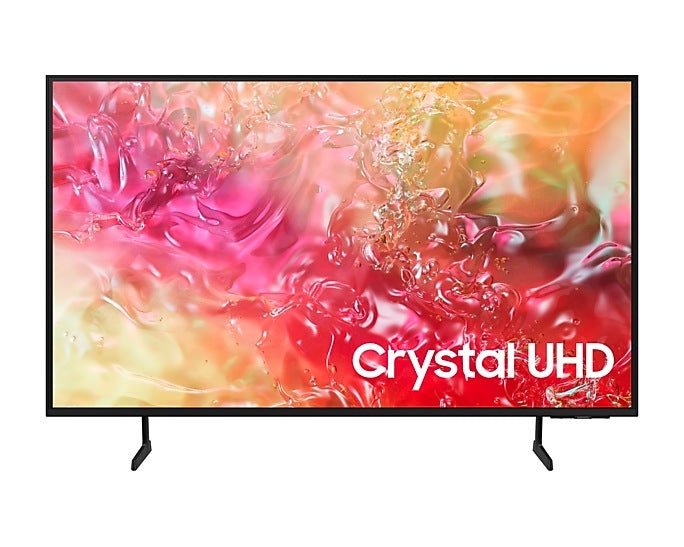
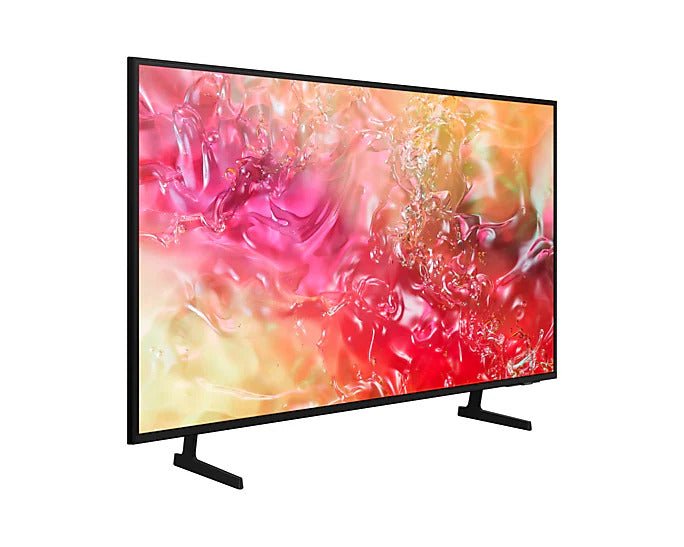
Samsung UA-43U8000 43" 4K UHD Multi-System Smart Wi-Fi LED TV 220 volt tv 220 240 volts ua43u8000
Sale price $569.00 USD Regular price$711.00 USD -
Samsung UA-50U8000 50" 4K UHD Multi-System Smart Wi-Fi LED TV 220 volt tv 220 240 volts ua50u8000
Sale price $669.00 USD Regular price$836.00 USD -
Samsung UA-55U8000 55" 4K UHD Multi-System Smart Wi-Fi LED TV 220 volt tv 220 240 volts ua55u8000
Sale price $769.00 USD Regular price$961.25 USD -
Samsung UA-65U8000 65" 4K UHD Multi-System Smart Wi-Fi LED TV 220 volt tv 220 240 volts ua65u8000
Sale price $869.00 USD Regular price$1,086.00 USD -
Samsung UA-70U8000 70" 4K UHD Multi-System Smart Wi-Fi LED TV 220 volt tv 220 240 volts ua70u8000
Sale price $1,269.00 USD Regular price$1,586.00 USD -
Samsung UA-75U8000 75" 4K UHD Multi-System Smart Wi-Fi LED TV 220 volt tv 220 240 volts ua75u8000
Sale price $1,369.00 USD Regular price$1,711.00 USD -
Samsung UA-85U8000 85" 4K UHD Multi-System Smart Wi-Fi LED TV 220 volt tv 220 240 volts ua85u8000
Sale price $1,719.00 USD Regular price$2,149.00 USD -
-
-
-
-
-
-
-
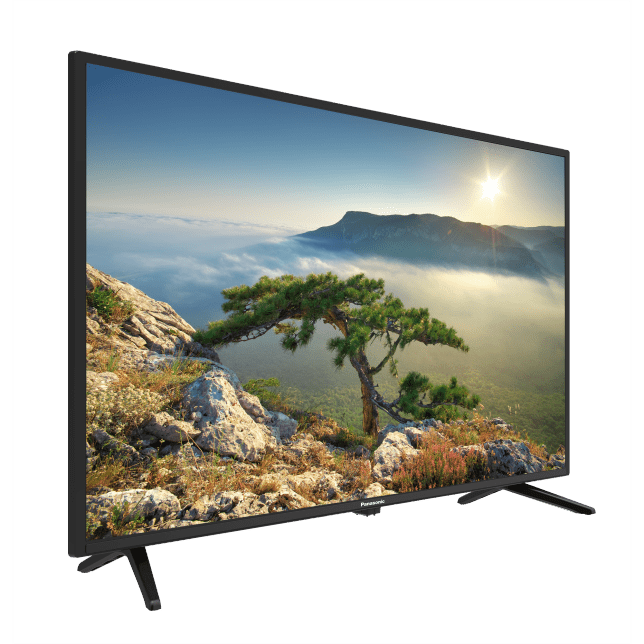
Panasonic TH-32H400M 32" LED TV PAL NTSC SECAM 110 v 220 volt 240 volts 50 60 hz
Sale price $259.00 USD Regular price$299.00 USD -
Panasonic TH-43H400M 43 inch FULL HD LED TV PAL NTSC SECAM 110 v 220 volt 240 volts 50 60 hz
Sale price $449.00 USD Regular price$569.00 USD -
International 24" Region Free LED TV/DVD Combo 110 220 240 volts pal ntsc
Sale price $299.00 USD Regular price$487.60 USD -
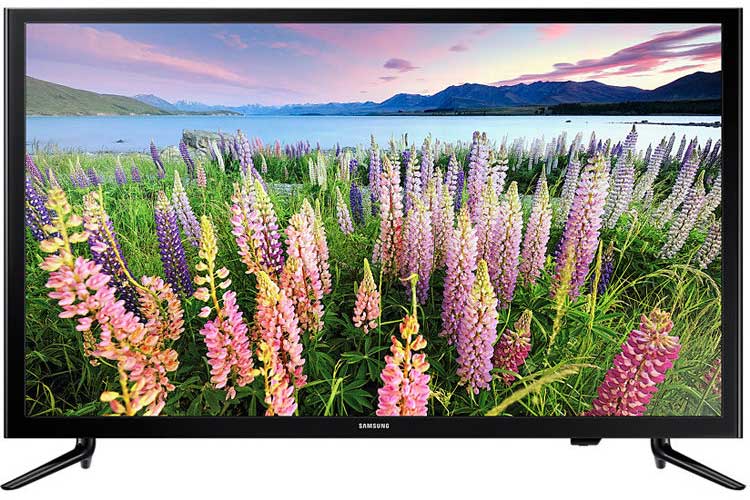
Samsung UA-40J/N5200 40" Full HD MultiSystem Smart LED TV
Sale price $389.00 USD Regular price$700.00 USD -
LG 43" 43LM5500 multisystem LED TV Pal NTSC Secam 110 220 240 volts 50 60 hz
Sale price $474.00 USD Regular price$599.00 USD -
LG 43" 43UP75006LF Multisystem UHD LED TV Pal NTSC Secam 110 220 240 volts 50 60 hz
Sale price $639.00 USD Regular price$899.00 USD -



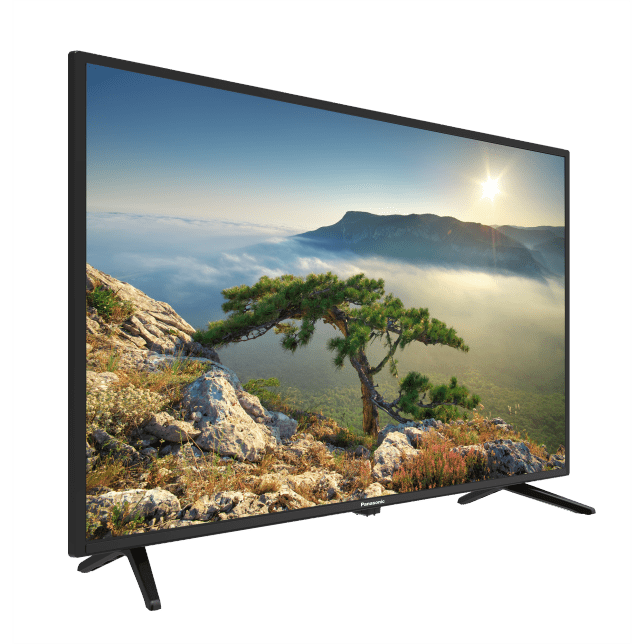
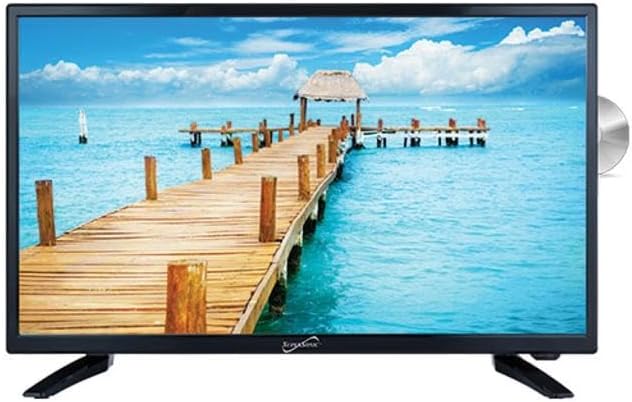
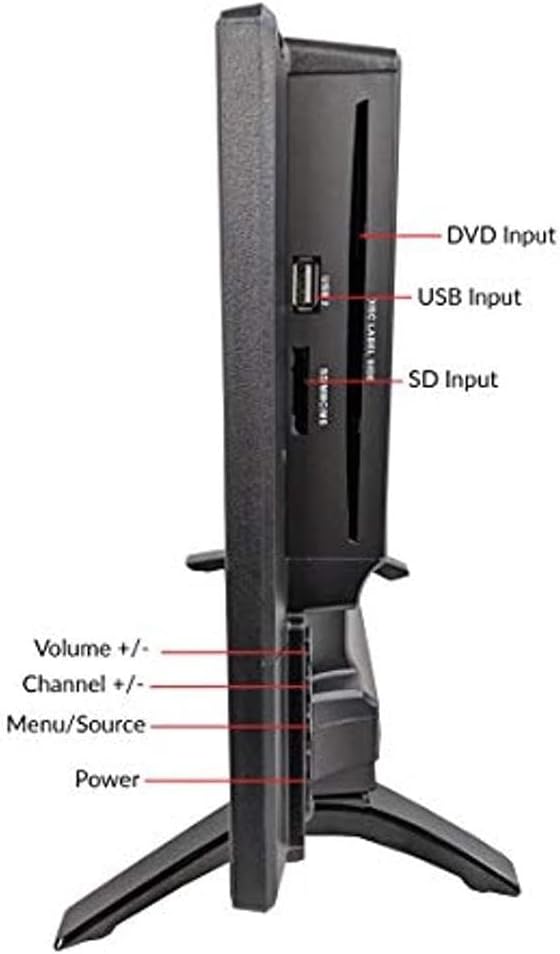



What Makes a TV Truly Multi-System?
Three things have to be right for a TV to work overseas. Most buyers only think about one.
| What to Check | Regular US TV | Our Multi-System TVs |
|---|---|---|
| Voltage | 110–120V only; needs a converter abroad. | Dual voltage 110–240V, works in the USA and overseas, no converter needed. |
| Broadcast Standard | NTSC only; scrambled or no picture on overseas cable/satellite. | PAL, NTSC & SECAM, displays correctly anywhere. |
| Tuner | Built for US signals. | Handles international standards across all inputs. |
A multi-system TV gets all three right, so it works at home and abroad with nothing more than a plug adapter.
Multi-System TV Key Features
Here's what our multi-system TVs offer, and what each feature means for you.
| Feature | What It Means |
|---|---|
| Panel Type | LED is the everyday standard. QLED adds richer, brighter color. OLED delivers the deepest blacks and contrast. Samsung's Frame TV doubles as wall art when off. |
| Resolution | 4K Ultra HD is today's standard for a sharp, detailed picture. 8K offers the highest resolution available for the largest screens. |
| Smart TV | Built-in apps like Netflix and YouTube, no extra device needed. Note: some streaming services are region-locked, so libraries can differ by country. |
| Screen Size | Our range runs 32" to 85". Larger screens suit living rooms and open spaces; smaller sizes fit bedrooms and kitchens. |
| Connectivity | Built-in WiFi and HDMI inputs for streaming devices, consoles, cable boxes, and satellite receivers. |
For more detailed information on our Multi-System TVs, see our full Multi-System TV Buying Guide.
How to Get Your Multi-System TV
Setting up your TV at home or abroad has never been easier. Follow these simple steps to get started.
1
Pick Your TV
Browse our collection and choose the size, brand, and panel type that fits your space.
2
We Ship It Safe
We ship the TV from our US warehouse, double-boxed with reinforced edges and padding.
3
Plug In Anywhere
Set up your TV and plug it in, at home in the US or overseas.
Why 220 Electronics Is Your Trusted TV Source
We've been doing this for a long time, and the results speak for themselves.
Stocked with Trusted Brands
From Samsung and LG to Sharp, every multi-system TV we stock is a genuine model built to work across international voltage and broadcast standards.
Shipped Safe and Sound
Your TV goes out double-boxed from our US warehouse, with the manufacturer carton inside a second box with heavy-duty edges and protective padding.
Over 40 Years in the Business
Since 1979, we've helped customers find the right international electronics. That kind of experience is hard to beat.
Ongoing Support From Our Team
Our hardworking team helps you choose the right multi-system TV and provides ongoing support long after your purchase.
FAQs
Can I use a 220V TV in the United States?
Yes. All our multi-system TVs are dual voltage, running on 110–120V here in the US and 220–240V overseas. No converter, transformer, or electrician needed; the TV handles it automatically.
The only thing you might need is an inexpensive plug adapter, since many of our TVs come with a European or UK-style plug.
Are your multi-system TVs dual voltage?
Yes, every TV we carry is dual voltage and runs on 110–240V. That means the same TV works while you're still in the US and after you arrive overseas, with no extra equipment beyond a plug adapter.
Will your TVs work with local cable and satellite overseas?
Yes. Our TVs are PAL, NTSC, and SECAM compatible (the broadcast standards used around the world) so they display correctly whether you're connecting local cable, a satellite receiver, or a set-top box.
A regular US TV only supports NTSC and often shows a scrambled or unsupported picture overseas.
Do you ship multi-system TVs internationally?
We ship within the US, where TVs go out double-boxed with reinforced edges and padding for safe arrival. From there, most customers take the TV as part of a household move, place it in a shipping container, or arrange their own freight forwarder.
What sizes and brands of multi-system TVs do you carry?
We carry multi-system TVs from 32 inches up to 85 inches. Samsung is our most popular brand by a wide margin, and we also stock some other reputable brands like LG and Sharp, with options across LED, QLED, and Samsung's Frame TV.
Are your multi-system TVs smart TVs with streaming apps?
Most are smart TVs with apps like Netflix and YouTube built in. One thing worth knowing: some streaming services are region-locked, so the content library can look different depending on which country you're in. That's a licensing issue on the streaming side, not a limitation of the TV.
Should I test the TV before shipping it overseas?
Yes, we always recommend it. Plug it in, turn it on, and check the picture while it's still in the US. Our domestic shipments are insured, but that coverage doesn't follow the TV once it's reshipped abroad, so it's far better to catch anything before it leaves the country.
Do I need a converter or transformer for these TVs?
No. Because they're dual voltage, there's no need for a converter or transformer anywhere in the world. Depending on the plug type and your outlet, you may just need a simple plug adapter.
Should I bring my current US TV or buy a multi-system one?
If your current TV is dual voltage and you'll only use streaming, it may be fine. But if you want to connect to local cable or satellite at your destination, a proper multi-system TV is the better choice.
Many customers try to make a US TV work overseas and end up buying from us anyway, just months later, and with more hassle in between.